1 / 10
Design with Parameters
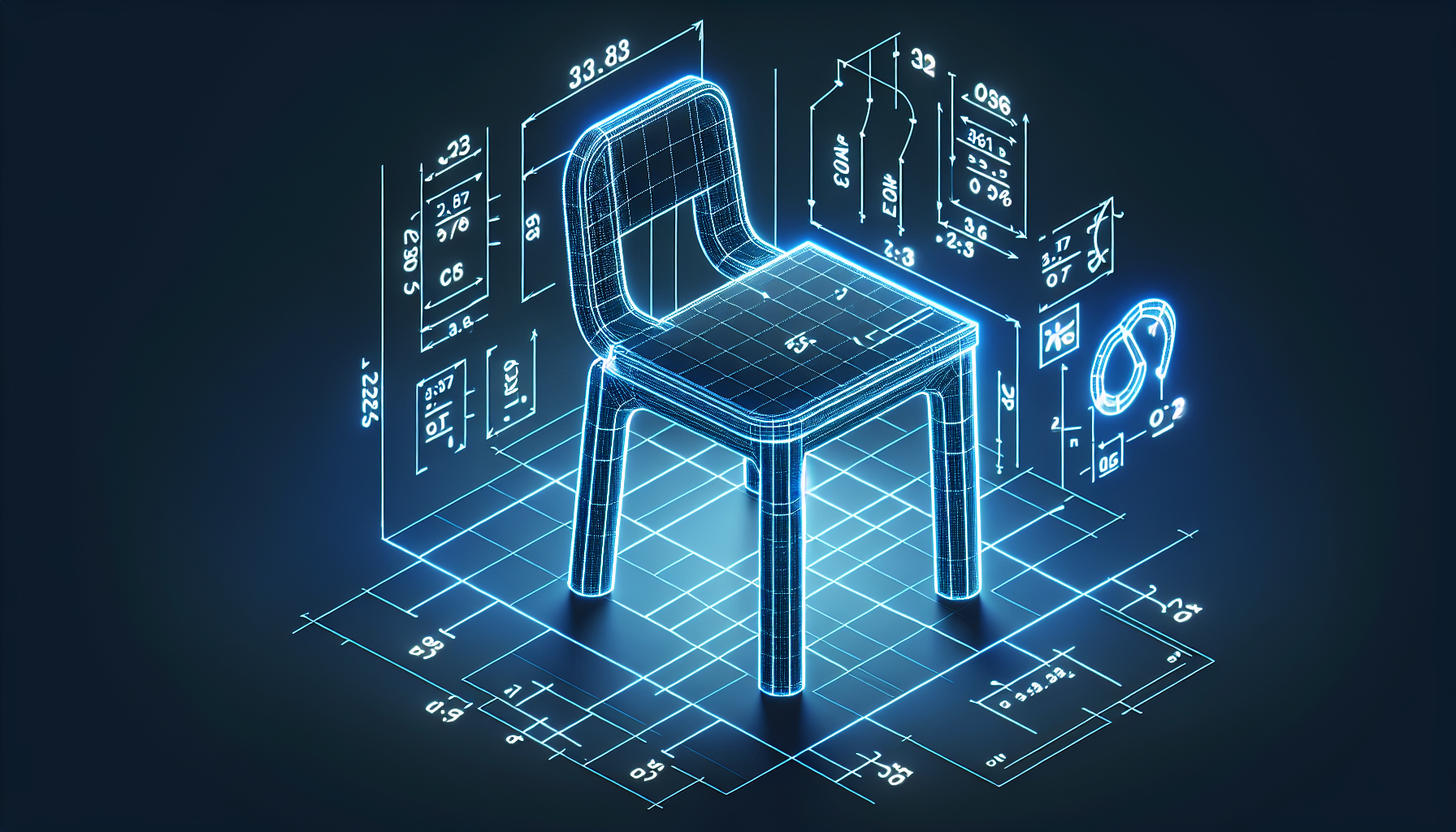
What is Parametric Thinking?
Instead of:
> "The table is 100cm wide"
Think:
> "The table width is 2× the depth"
> "Legs are positioned 5cm from edges"
Why Parametric?
Easy Scaling
If you define relationships:- Change ONE dimension
- Everything else adjusts proportionally
Consistency
- Parts always relate correctly
- No guessing for future modifications
Professional Practice
- CAD software is parametric
- Industry standard approach
Defining Your Parameters
Start by listing:
- Primary dimension - Usually the biggest
- Derived dimensions - Based on primary
- Constants - Fixed values (material thickness, etc.)
Example: A Box
PRIMARY:
- Width = W

DERIVED:
- Depth = W × 0.6
- Height = W × 0.4
- Wall thickness = 0.1 (constant)
If W = 10:
- Depth = 6
- Height = 4
- Walls = 0.1
If W = 20:
- Depth = 12
- Height = 8
- Walls = 0.1
Practical Application
In our editor, think parametrically:
- Decide primary dimension
- Calculate others as ratios
- Write them down
- Use Properties panel to enter exact values
Common Ratios
| Relationship | Ratio |
|---|---|
| Golden ratio | 1.618 |
| A4 paper | 1.414 |
| HD video | 1.778 (16:9) |
| Square | 1.0 |
Exercise Mindset
Before building anything:
- Sketch on paper
- Label dimensions with variables
- Write the relationships
- THEN open the editor