EdLight CodeEdLight Code
TracksGamesPathways
TracksGamesPathways
Track3D Printing Foundations
Understanding Scale
2 / 14

3D Printing Foundations

Course Progress0/14

Understanding 3D Printing

Introduction to 3D PrintingUnderstanding ScaleYour First Print-Sized ModelChecking Print Dimensions

Build Plate & Wall Thickness

The Build PlatePositioning ObjectsWall ThicknessCreating Thick-Walled Objects

Overhangs & Supports

Understanding OverhangsSelf-Supporting ShapesWhen to Use SupportsOptimizing for Minimal Supports

Your First Print

Print Readiness ChecklistProject: Simple Keychain

3D Printing Foundations

Course Progress0/14

Understanding 3D Printing

Introduction to 3D PrintingUnderstanding ScaleYour First Print-Sized ModelChecking Print Dimensions

Build Plate & Wall Thickness

The Build PlatePositioning ObjectsWall ThicknessCreating Thick-Walled Objects

Overhangs & Supports

Understanding OverhangsSelf-Supporting ShapesWhen to Use SupportsOptimizing for Minimal Supports

Your First Print

Print Readiness ChecklistProject: Simple Keychain

Scale: The Foundation of 3D Printing

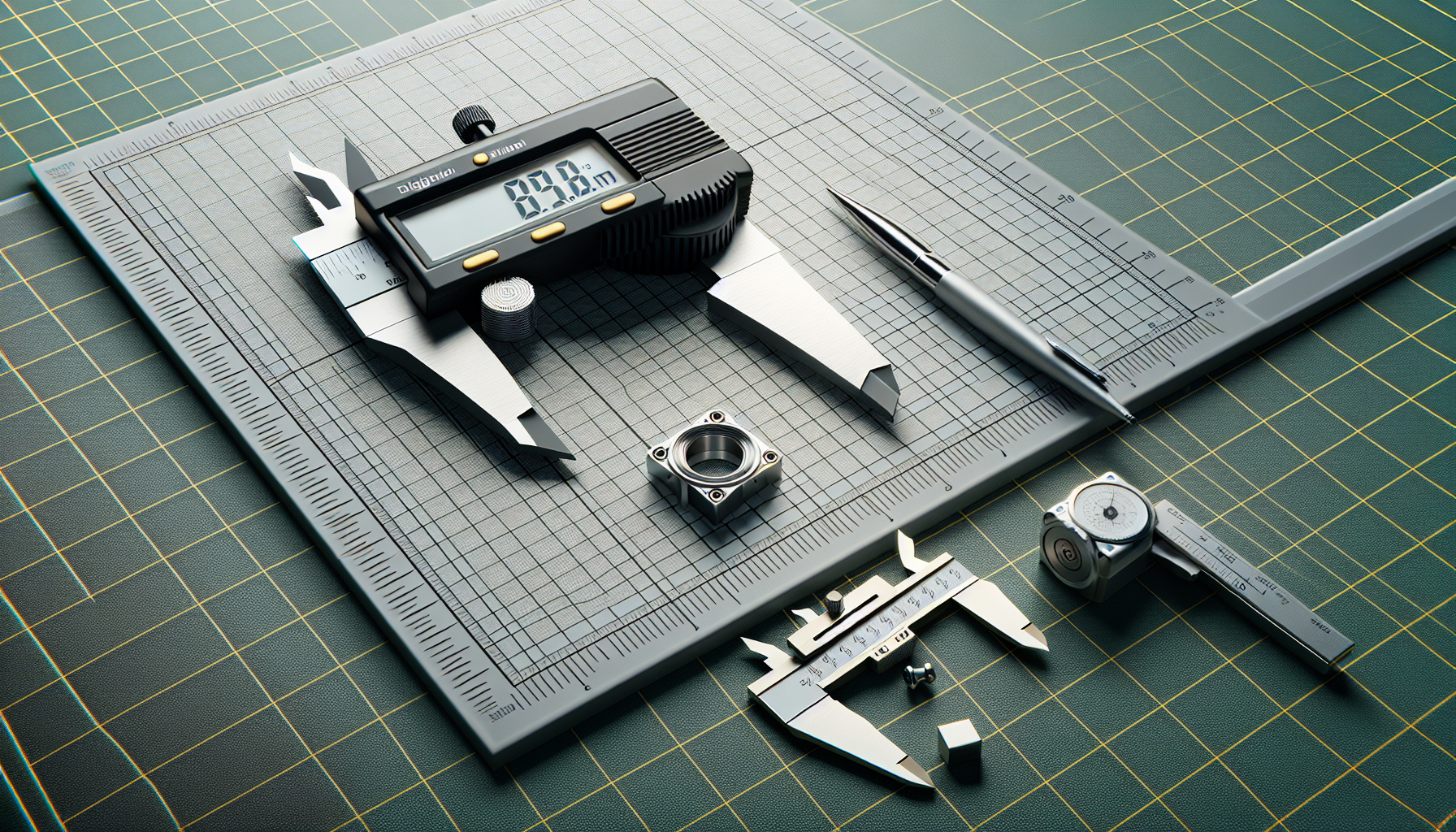
Ruler and measurement tools
Precise measurement is essential for 3D printing

The most common mistake is incorrect scale!

⚠️ Warning
Getting scale wrong is the #1 reason prints fail or come out the wrong size. Always double-check dimensions before printing!

The Standard: Millimeters

All 3D printing uses millimeters (mm) as the standard unit.

ObjectTypical Size
Keychain30-50mm
Phone Stand60-120mm
Figurine50-100mm

In Our Editor

  • 1 unit = 1 cm = 10 mm
  • A 2×2×2 cube = 20mm × 20mm × 20mm
ℹ️ Info
The Print Readiness panel automatically shows dimensions in millimeters, so you can verify sizes before exporting.

Print Volume Limits

Most FDM printers: 220 × 220 × 250 mm

The Print Readiness panel will warn you if too large!

💡 Tip
If your model is too large, you can scale it down or split it into multiple parts that can be assembled after printing.