EdLight CodeEdLight Code
TracksGamesPathways
TracksGamesPathways
TrackPractical 3D Modeling Workflows
Subtract for Holes
6 / 12

Practical 3D Modeling Workflows

Course Progress0/12

Precision Modeling

Numeric DimensionsObject AlignmentPrecision Building

Boolean Modeling

Boolean OperationsUnion ExamplesSubtract for HolesBoolean Practice

Reusability

Duplication TechniquesMirroring Objects

Exporting Models

Export FormatsExport Your Model

Course Project

Project: Printable Phone Stand

Practical 3D Modeling Workflows

Course Progress0/12

Precision Modeling

Numeric DimensionsObject AlignmentPrecision Building

Boolean Modeling

Boolean OperationsUnion ExamplesSubtract for HolesBoolean Practice

Reusability

Duplication TechniquesMirroring Objects

Exporting Models

Export FormatsExport Your Model

Course Project

Project: Printable Phone Stand

Subtract for Holes and Cutouts

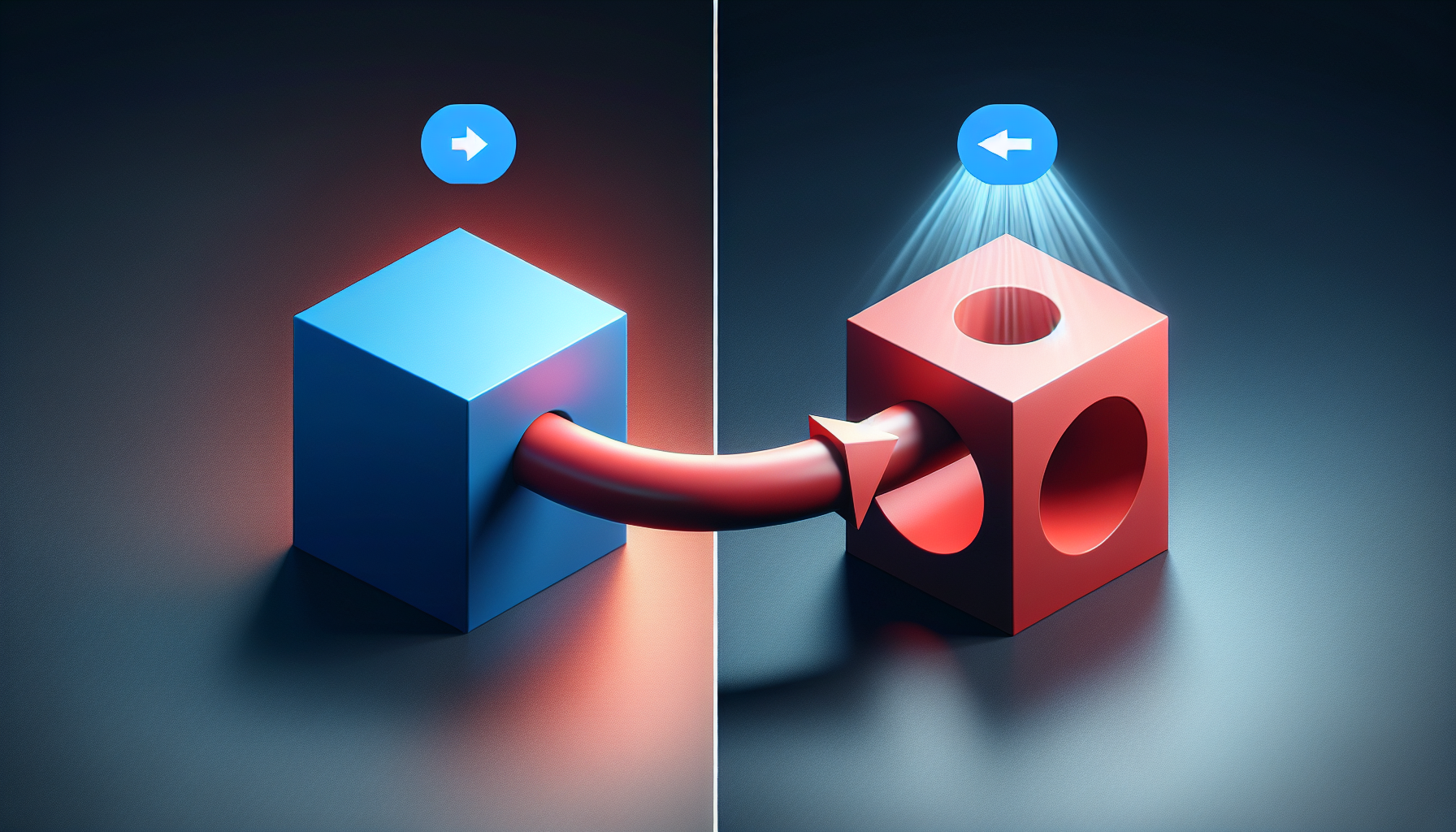
Subtract Operation
Carving and cutting with subtract
Subtract is the most useful boolean for practical modeling.

Creating a Hole

To make a hole through an object:

  1. Create your main shape (e.g., box)
  2. Add a cylinder where you want the hole
  3. Make cylinder penetrate both sides
  4. Select box first, then cylinder
  5. Click Subtract
Result: Box with cylindrical hole through it!

Selection Order

Critical for subtract:

  • First selected = Shape to keep

  • Second selected = Shape to cut away


Wrong order = wrong result!

Practical Examples

Drilled Holes

  • Box + Cylinder = Hole
  • For screws, cables, decoration

Cutouts

  • Box + smaller Box = Window/door cutout
  • For architecture, electronics cases

Carved Details

  • Base + detail shapes
  • For grooves, slots, recesses

Tips for Clean Subtracts

  1. Tool should extend past surface
- Cylinder should poke out both sides - Avoids thin artifacts
  1. Keep it simple
- One cut at a time - Easier to troubleshoot
  1. Check from all angles
- Orbit to verify the cut - Look for unexpected results
  1. Name your results
- "Block_With_Hole" - Helps track what's what

Common Uses in 3D Printing

  • Screw holes
  • Cable management holes
  • Interlocking joints
  • Lightening cuts (remove material)