5 / 15
Navigating the 3D Viewport
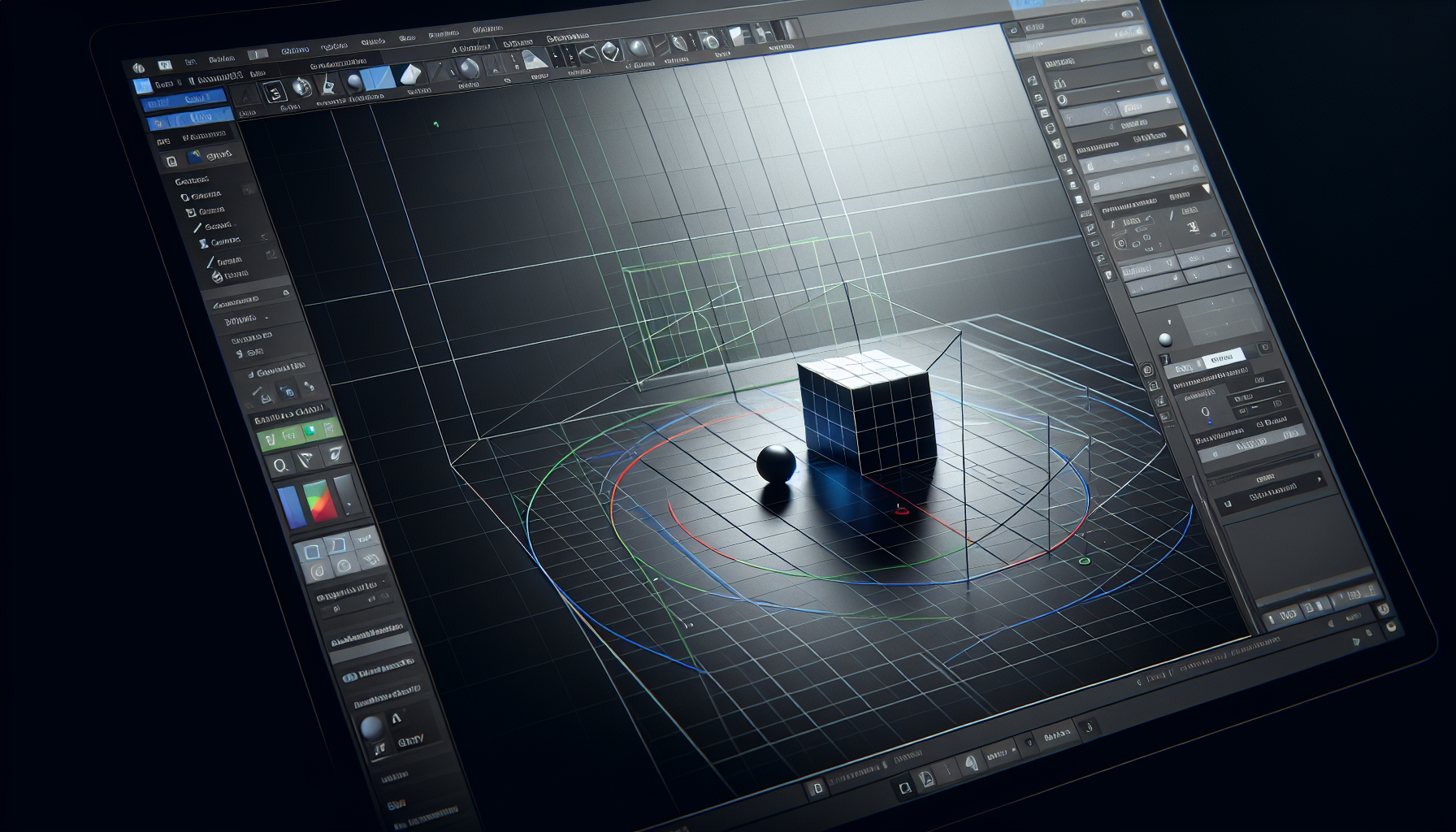
To work effectively in 3D, you need to master viewport navigation.
Mouse Controls
| Action | Mouse | Description |
|---|---|---|
| Orbit | Right-click + drag | Rotate the view around the scene |
| Pan | Middle-click + drag | Slide the view left/right/up/down |
| Zoom | Scroll wheel | Move closer or farther |
⭐
Important
If you lose your scene (zoomed too far or orbited away), don't panic! Just scroll the mouse wheel to zoom out until you find your objects.
Tips for Smooth Navigation
Orbiting
- The view rotates around a focus point
- Small movements are best - don't spin wildly!
- The floor (Y=0) helps you stay oriented
Panning
- Useful for moving the view without changing angle
- Hold middle mouse button and drag
- Alternative: Hold Shift + right-click drag
Zooming
- Scroll up to zoom in, down to zoom out
- Zooming goes toward your cursor position
- If you "lose" your scene, zoom out!
💡
Tip
Using a mouse with a scroll wheel is highly recommended for 3D work. Trackpads work, but are less precise.
The Gizmo Helper
In the bottom-right corner, you'll see the orientation gizmo:
- Shows your current viewing angle
- Click axis letters to snap to that view
- Helps you stay oriented in 3D space
Practice Makes Perfect
Take a moment to:
- Orbit around the scene
- Pan left and right
- Zoom in and out
- Find a comfortable working angle