13 / 15
Lighting Basics
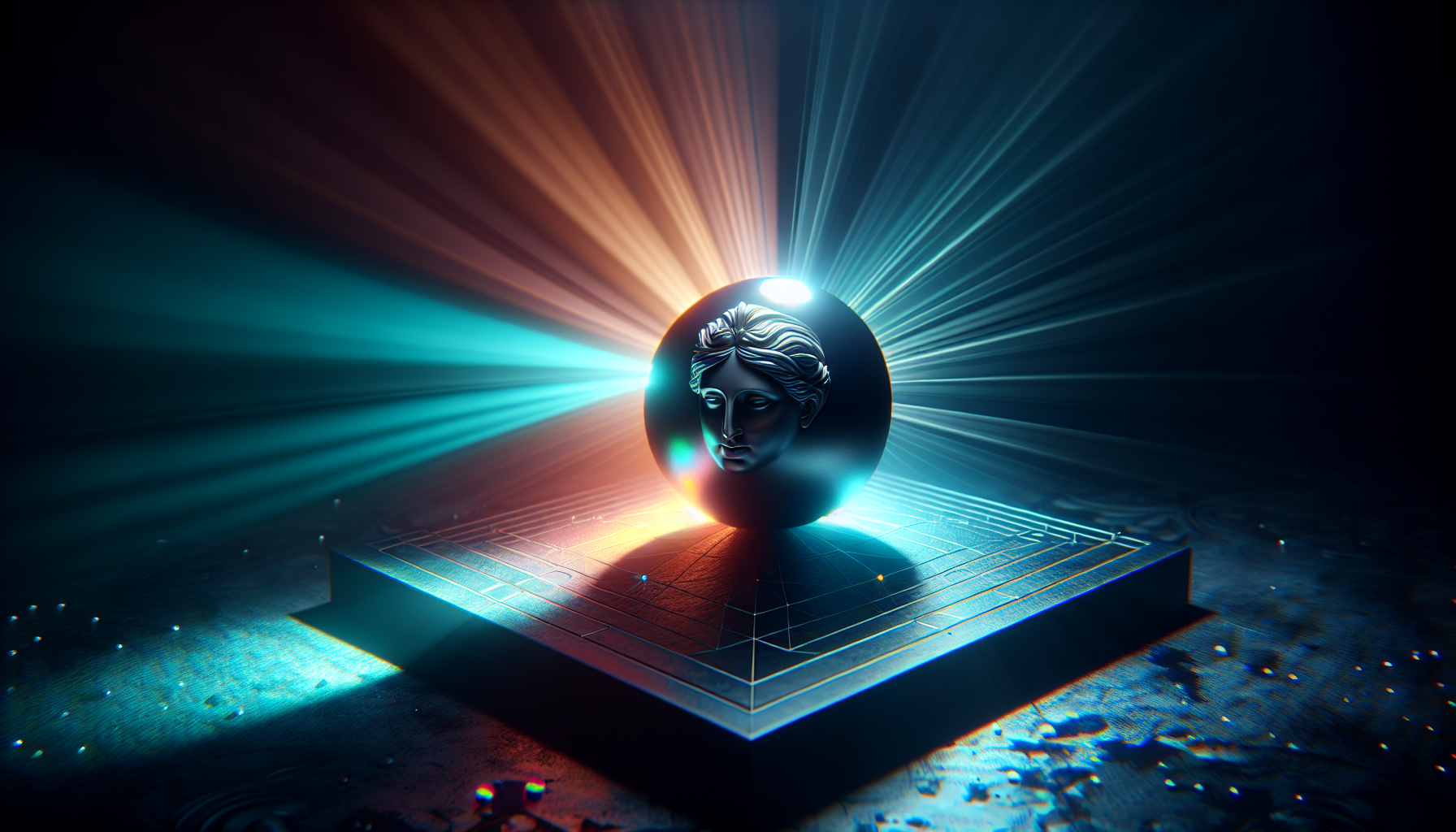
Light is essential for seeing 3D objects. Our editor provides automatic lighting, but understanding it helps you create better scenes.
Light Types
Ambient Light
- Fills the entire scene evenly
- No shadows
- Prevents completely dark areas
- Our editor: Low ambient (0.4 intensity)
Directional Light
- Like the sun - parallel rays
- Casts shadows
- Has direction but no position
- Our editor: Main light from above
Point Light
- Like a light bulb
- Radiates in all directions
- Falls off with distance
- Not used in our basic editor
ℹ️
Info
Our editor uses a pre-configured lighting setup optimized for modeling. In more advanced 3D software, you can fully customize lights.
Shadows
Directional light creates shadows:
- Objects block light
- Shadows show depth and grounding
- Help objects "sit" on surfaces
💡
Tip
Shadows are crucial for making your scene look realistic. They help viewers understand the spatial relationships between objects.
Environment Lighting
Our editor includes environment lighting:
- Simulates light from the sky
- Creates subtle reflections
- Makes metallic materials look realistic
Tips for Good Lighting
- Position objects on the grid - shadows ground them
- Use metallic materials - they show environment reflections
- Avoid pure black - use dark gray for better visibility
- Check from multiple angles - orbit to see how light hits
Why It Matters
Good lighting:
- Reveals shape and form
- Shows material properties
- Creates mood and atmosphere
- Makes exports look professional
📝
Note
When you export your model, the lighting won't be included - only the objects and materials. The destination (website, game, etc.) will provide its own lighting.