12 / 15
Understanding Materials
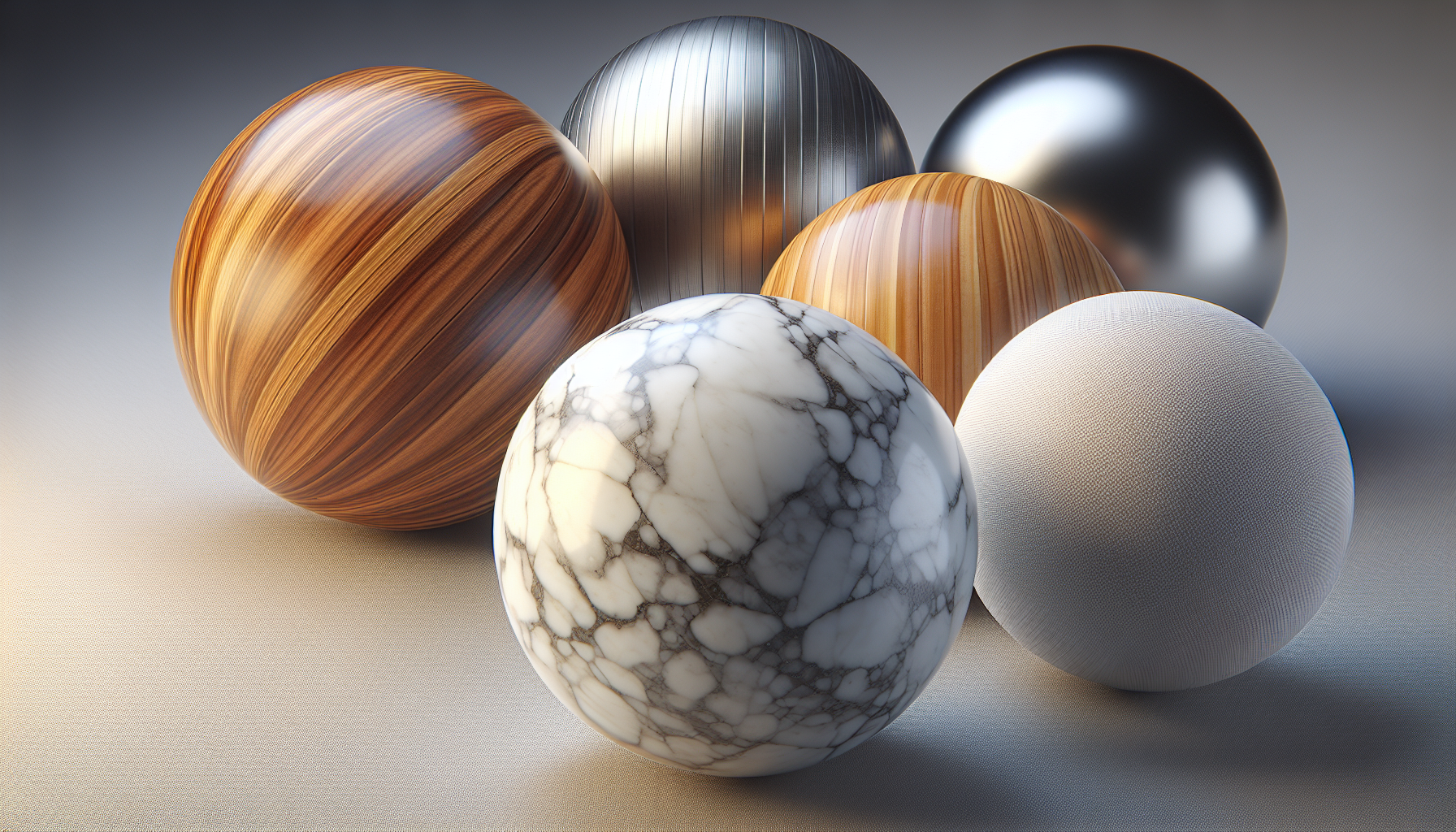
Material Properties
Color
The base color of the surface.- Use the color picker in Properties panel
- Can be any color (hex codes work too)
Roughness
How smooth or rough the surface appears.- 0 = Perfectly smooth (mirror-like)
- 1 = Completely rough (matte)
- Polished metal: 0.1-0.2
- Plastic: 0.3-0.5
- Wood: 0.5-0.7
- Concrete: 0.8-1.0
Metalness
How metallic the surface looks.- 0 = Non-metal (plastic, wood, skin)
- 1 = Pure metal (gold, silver, chrome)
ℹ️
Info
Metals reflect their environment and tint reflections with their color. That's why gold looks gold and copper looks copper!
PBR Materials
Our editor uses PBR (Physically Based Rendering):
- Realistic light behavior
- Consistent under different lighting
- Industry standard for games and web
📝
Note
PBR was developed to make 3D graphics look realistic by simulating how light actually behaves in the real world.
Quick Recipes
| Material | Color | Roughness | Metalness |
|---|---|---|---|
| Gold | #FFD700 | 0.3 | 1.0 |
| Silver | #C0C0C0 | 0.2 | 1.0 |
| Plastic | Any | 0.4 | 0.0 |
| Rubber | #333333 | 0.9 | 0.0 |
| Glass | #FFFFFF | 0.0 | 0.0 |
💡
Tip
When in doubt, keep metalness at 0 for most real-world objects. Only metals (gold, silver, chrome, copper) should have metalness = 1.