6 / 15
Visual Helpers
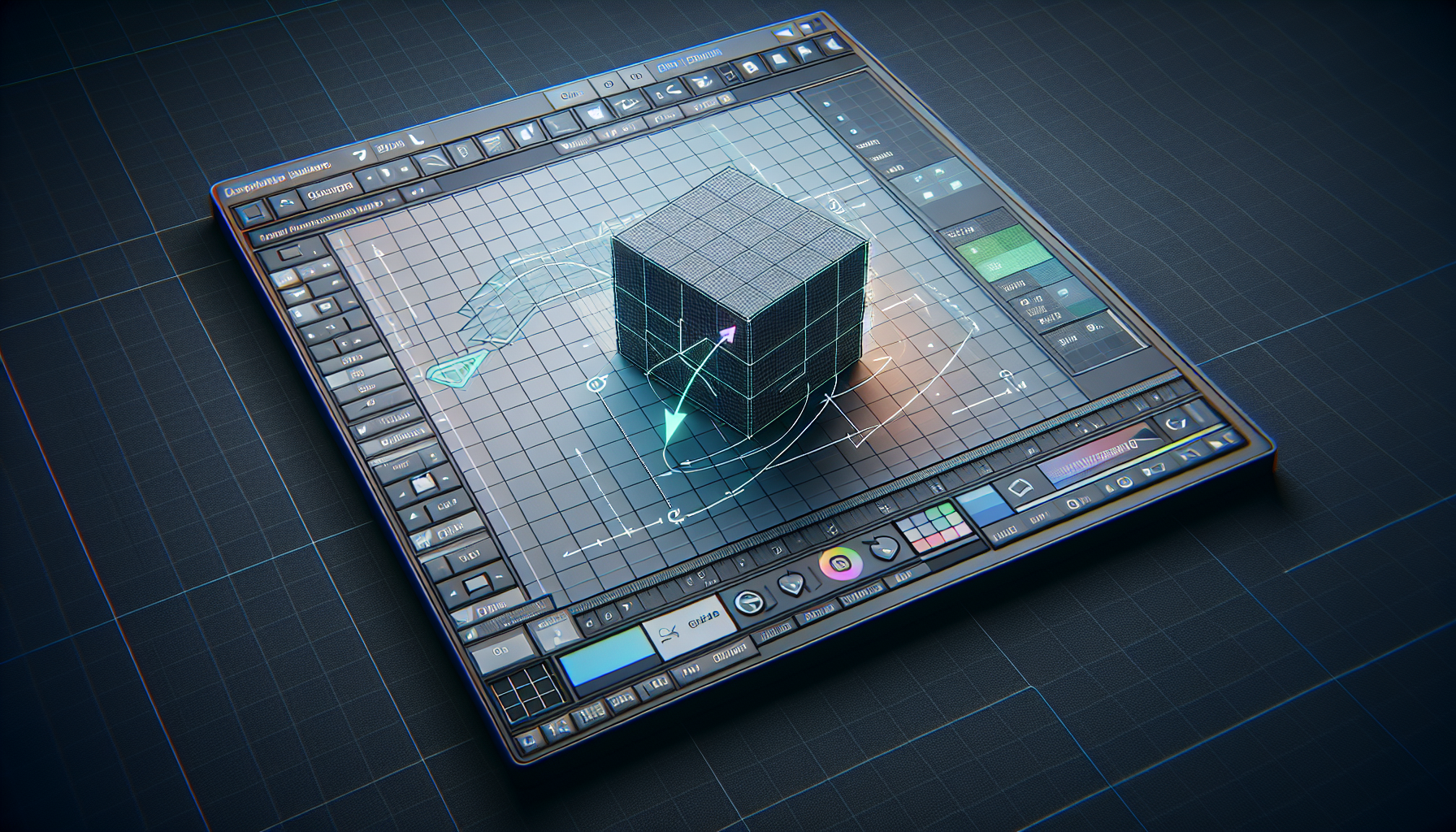
The editor provides visual aids to help you work precisely.
The Grid
The grid represents the ground plane (Y=0):
- Each small square = 1 unit
- Major lines every 5 units
- Extends infinitely (fades at edges)
Toggle the grid with the Grid button in the toolbar.
💡
Tip
The grid is your friend! Use it to judge distances and ensure objects are properly aligned with each other.
The Axes Helper
The colored axes show direction:
- 🔴 Red = X axis (left/right)
- 🟢 Green = Y axis (up/down)
- 🔵 Blue = Z axis (front/back)
Toggle axes with the Axes button.
Transform Gizmo
When an object is selected, you'll see the transform gizmo:
- Colored arrows for moving along axes
- Rotation rings or scale handles (depending on mode)
- Drag these to transform the object
ℹ️
Info
The gizmo colors match the axes: Red=X, Green=Y, Blue=Z. This color coding is consistent across almost all 3D software!
Snapping
Enable snapping to align objects to grid:
- Click the magnet icon in the toolbar
- Objects will snap to 0.5 unit increments
- Great for precise positioning
📝
Note
Snapping is especially useful when building scenes with multiple objects that need to align perfectly.
Selection Highlight
Selected objects show:
- Blue bounding box outline
- Corner indicators
- Transform gizmo for manipulation